

Reorder consumables before they run out
When a material in stock drops below a set minimum quantity, the “Reorder materials automatically” workflow prepares an order suggestion with quantity and supplier, and you confirm it. bytebrise from Fürstenfeldbruck sets this up for the workshops and stores of small businesses in Upper Bavaria. Nothing is ever ordered without your approval.
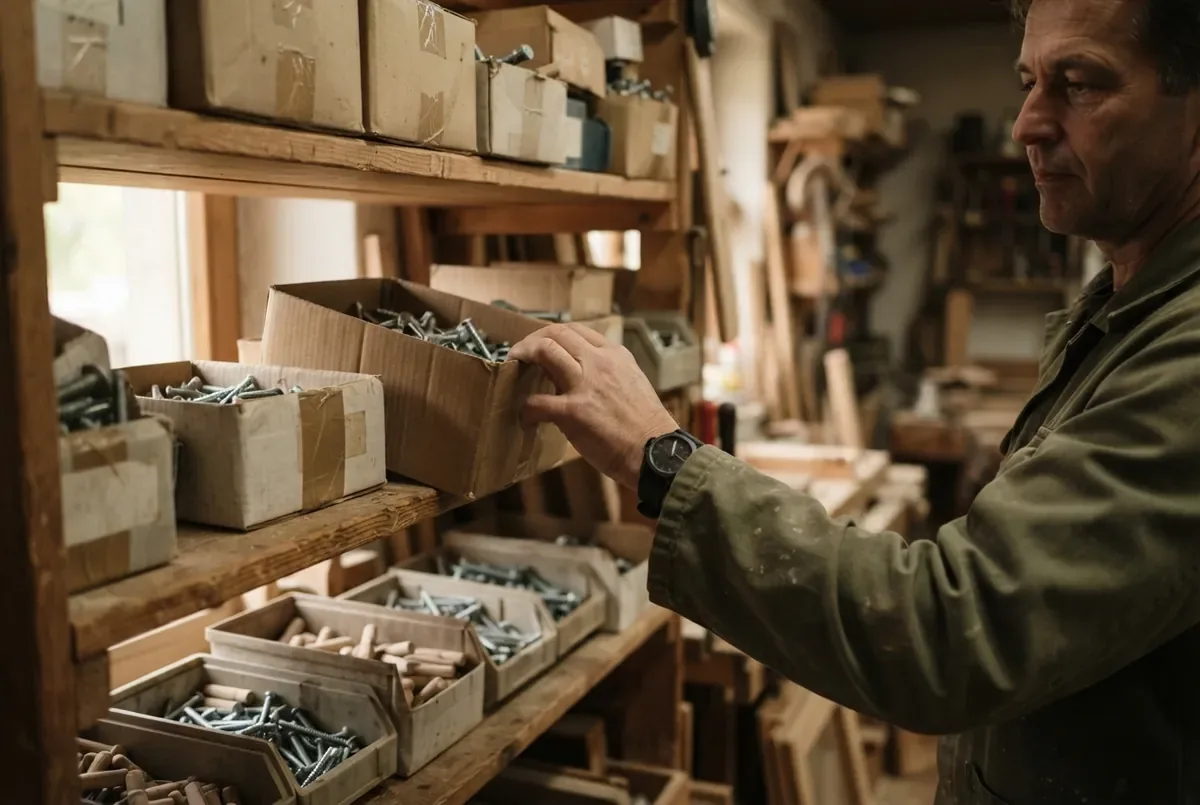
bytebrise GO is new in our offering. It runs in our own business, but not yet at any customer. The example on this page comes from Martin’s made-up joinery.
How the workflow runs
The workflow compares stock with the minimum quantity, writes an order suggestion and waits for your approval. Only then does an order go to the supplier.
| Step | Trigger | What happens on its own | What you do |
|---|---|---|---|
| 1 | Stock of an item is recorded or counted | The workflow checks the quantity against the set minimum quantity. | Set the minimum quantity per item once |
| 2 | Stock drops below the minimum quantity | An order suggestion with quantity and supplier is ready. | Check and approve the suggestion, or change it |
| 3 | Suggestion is approved | The order goes out to the supplier on file. | Nothing, unless there are questions |
| 4 | New delivery arrives | Stock is brought up to date. | Confirm goods received |
The workflow does not order on its own: every suggestion needs your approval before an order goes out.
Example: glue and screws at Martin's joinery
Suppose that at Martin's joinery (fictional) the stock of construction adhesive falls below the set minimum of ten cartridges. The next morning an order suggestion for 20 cartridges from the usual supplier is ready, with the last price paid as a guide. Once approved, the order goes out without anyone having to count stock by hand.
Without the workflow, people often only notice the adhesive is running out when there is hardly any left. With the workflow in place, the order suggestion is ready as soon as stock falls below the set minimum quantity.
How does the workflow know the stock level?
The workflow does not invent numbers: it needs a source that tells it the current stock, for example an existing stock list, a till system with inventory features or a simple form where someone records usage. Without such a source there is no reliable trigger, and the workflow cannot be set up sensibly.
We check in the initial consultation whether your existing software can provide such a source.
Order suggestion, not autopilot: why you approve
An automatic order without approval can be off the mark if quantities were recorded wrongly, delivery times have changed or the item is seasonal. That is why the final decision stays with you: the workflow provides the suggestion with quantity and supplier, and you confirm, change or discard it.
When is automatic reordering worth it?
Automatic reordering is worth it when recurring consumables regularly run low and counting by hand takes time, for example screws, glue, abrasives or small parts. If your trade software already has its own stock management with minimum stock and order suggestions, the existing feature may already be enough.
We check in the initial consultation whether the workflow can connect to your software or whether the existing feature is enough.
What you set and approve
During setup you define the source, minimum quantities and suppliers. Day to day, you only confirm the order suggestions.
- the source the current stock comes from (list, till system, form)
- the minimum quantity per material that triggers a suggestion
- the supplier on file for each material
- every single order before it goes out
How do businesses in Upper Bavaria reorder material before it runs out?
bytebrise GO checks the recorded or counted stock against your minimum quantities and prepares an order suggestion with quantity and supplier. The order only goes out once you confirm it. Where GO gets the stock level from is something we clarify in the initial consultation. We set this up from Fürstenfeldbruck for businesses in Munich and Upper Bavaria.
What does the “Reorder materials” workflow cost?
The “Reorder materials” workflow runs in bytebrise GO. GO costs €79 a month for one person, €149 for teams of up to five people and €399 for businesses with up to 20 people; for more than 20 people, on request. Setup is a one-off €490, after which GO can be cancelled monthly. We agree which channels and workflows we set up before the contract starts. The initial consultation is free.
All prices are final prices. Under § 19 UStG (the German small-business rule) no VAT is charged. All tiers are on the pricing page.
More about GO: bytebrise GO: automate inquiries, callbacks and appointments. If your business needs a workflow that GO does not cover, we build it as a custom build with its own price.
Frequently asked questions
Do I need inventory software?
Not necessarily, but you do need a source that shows the current stock, for example a list, a till system with inventory features or a form for recording usage.
Does the system place orders by itself?
No. The workflow prepares an order suggestion, and every order needs your approval.
Which suppliers can I use?
The suppliers you put on file. The workflow never orders from a supplier you have not chosen yourself.
Is it worth it for a small store?
That depends on how often consumables run low and how much time counting stock currently takes. We work that out in the initial consultation based on your business.
Is this already running at other businesses?
GO already runs in our own business, but not yet at any customer. bytebrise GO is new in our offering, which is why we show a made-up example instead of customer numbers.

Free initial consultation
Free initial consultation, 20 minutes, no obligation. Tell us which material regularly runs low for you and where your stock is recorded today, and we will tell you whether a workflow is worth it. We get back to you within one business day.
Prefer to reach us directly? Phone +49 8141 5098988, email hello@bytebrise.com, Balduin-Helm-Straße 71b, 82256 Fürstenfeldbruck.